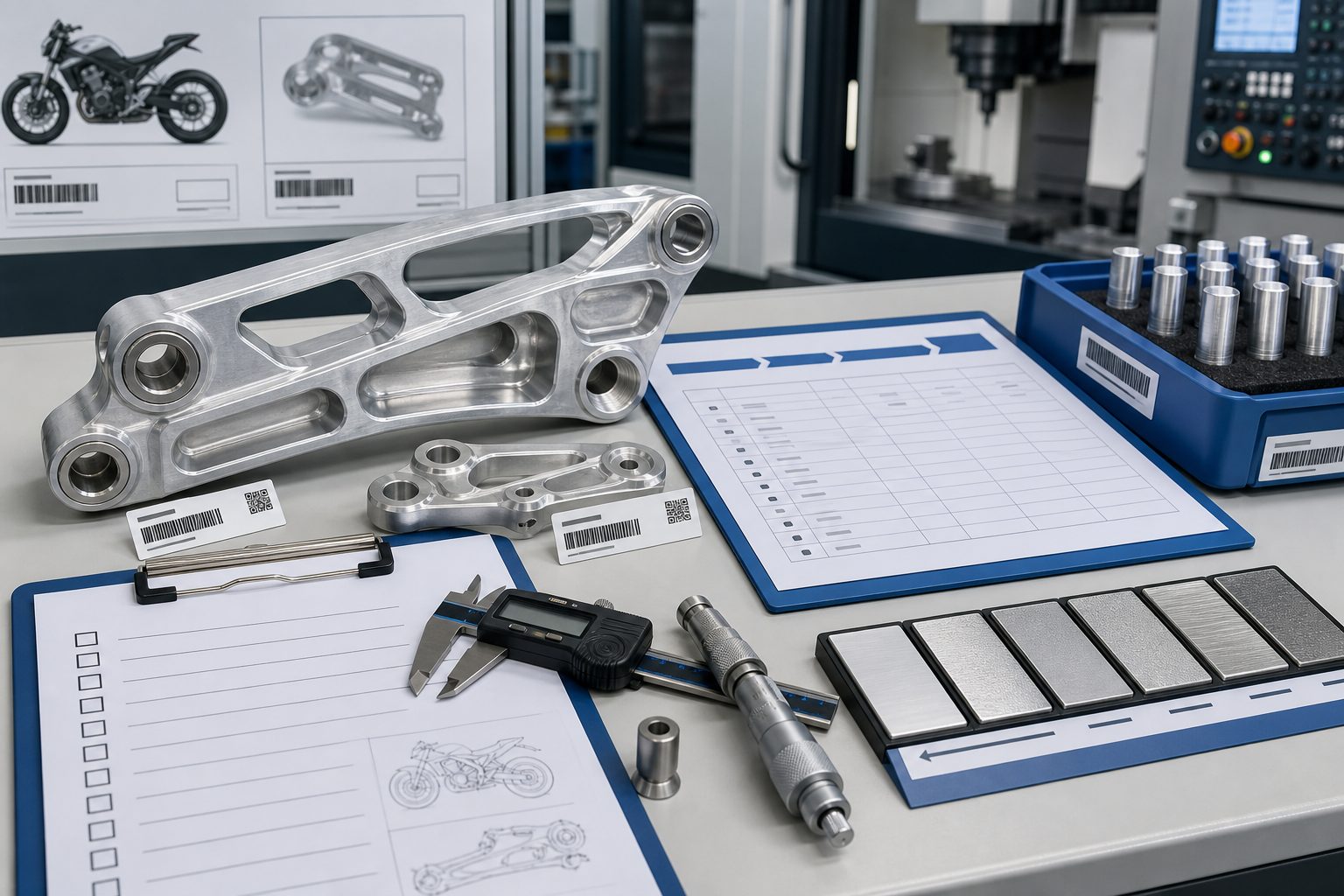
The best ways to learn CNC programming combine structured formal education with hands-on practice using industry-standard software and real machine time. The most effective learning journey progresses through three stages: building foundational knowledge through accredited courses or structured online programs, developing practical skills using free CAM software and simulation tools, and gaining real-world experience through internships, apprenticeships, or personal projects. With the manufacturing skills gap projected to leave 2.1 million positions unfilled by 2030, learning CNC programming today is a strategic career move that opens doors to high-demand, well-compensated roles across aerospace, medical, automotive, and defense industries.
Introduction: Why CNC Programming Skills Are More Valuable Than Ever
The manufacturing world is undergoing a quiet revolution. Behind every precision part—from the titanium implant that restores mobility to the turbine blade that powers a jet engine—stands a CNC programmer as the bridge between digital design and physical reality.
Yet despite the critical importance of this role, a severe skills shortage threatens the industry. According to Mastercam’s recent industry analysis, an estimated 2.1 million manufacturing positions could go unfilled by 2030, with 80% of manufacturers citing workforce attraction and retention as their top challenge . For those with CNC programming skills, this shortage translates directly into opportunity: job security, competitive salaries, and the ability to work across virtually every manufacturing sector.
But learning CNC programming can feel overwhelming. Between G-code syntax, CAM software interfaces, machine-specific post-processors, and the practical nuances of speeds and feeds, where should a beginner even start?
This guide provides a comprehensive roadmap. Whether you’re a complete beginner, a machinist looking to add programming skills, or an engineer wanting to understand the manufacturing process, you’ll find actionable pathways tailored to your situation.
Understanding the Learning Landscape: What You Need to Master
Before diving into specific learning methods, it’s helpful to understand what “learning CNC programming” actually encompasses. True competence requires mastering three interconnected domains:
G-Code and Manual Programming: The foundational language of CNC machines. Understanding G-code (preparatory functions) and M-code (miscellaneous functions) allows you to read, write, and debug programs at the most fundamental level. Even if you primarily use CAM software, G-code knowledge is invaluable for troubleshooting and optimization.
CAM Software Proficiency: Modern CNC programming is primarily done through Computer-Aided Manufacturing (CAM) software, where you import 3D models, select toolpaths, define cutting parameters, and generate G-code automatically. Mastercam, the world’s most widely used CAM software, dominates the industry with over 170,000 educational licenses globally.
Machine-Specific Knowledge: Different machines have different capabilities, controls, and quirks. Understanding workholding, tooling, machine kinematics, and post-processing is essential for transitioning from a simulation to a successful cut.
Pathway 1: Structured Formal Education
Community College and Technical School Programs
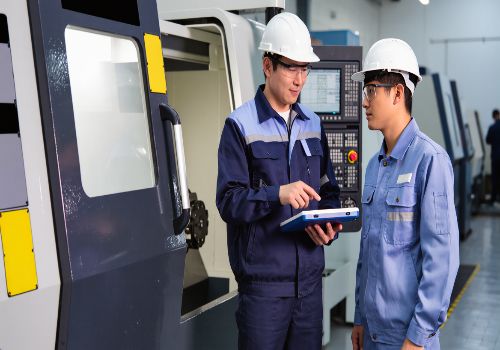
For many aspiring CNC programmers, the most reliable path begins at a community college or technical school. These programs offer several distinct advantages: structured curricula that build skills progressively, access to actual CNC machines, qualified instructors who can answer questions in real-time, and industry-recognized credentials.
Courses like those offered at Ivy Tech Community College (MTTC 222 – CAD/CAM III) provide comprehensive training in advanced manufacturing techniques, including 3+2 and simultaneous 5-axis positioning, dynamic work offsets, and tool center point control . SUNY Broome’s MET 223 – Computer Integrated Machining introduces students to MasterCAM for designing geometry, choosing machining processes, and developing post-processors.
The structured progression through these programs—from basic G-code to multi-axis CAM programming—ensures that students develop both theoretical understanding and practical competence. Anhui University of Technology engineering training course, for example, guides students through “teaching, learning, and doing integration,” where they learn programming, simulation, and actual machine operation in a coordinated sequence.
University-Level Programs
For those seeking deeper theoretical foundations, universities offer more advanced coursework. The University of West Bohemia’s “Automation of NC Programming” course covers parametric programming, dialog programming systems like SinuTrain, and CAM system integration—topics that prepare students for high-level manufacturing engineering roles.
Formal Training Centers
FANUC Academy, for example, offers intensive three-day courses (21 hours total) covering G-code programming specifically for machining centers. These programs build from zero prior knowledge to developing, testing, and executing CNC programs on actual machines—including macro programming for parametric applications.
What to Look For in a Program
When evaluating educational programs, prioritize these features:
-
Hands-on machine time (not just simulation)
-
Industry-standard software (Mastercam is the most widely used)
-
Qualified instructors with real manufacturing experience
-
Articulation agreements with four-year institutions if you plan to continue your education
-
Job placement support and industry connections
Pathway 2: Online Learning Platforms
For those unable to attend in-person programs or seeking to supplement formal education, online learning has become increasingly sophisticated and effective.
ENCY Academy: Free Structured Courses
ENCY Software recently launched ENCY Academy, an online learning center offering self-paced courses in CNC and robot programming. Currently, all courses are offered free of charge, making this an accessible entry point for learners at any budget level.
The platform offers two structured learning tracks:
-
CNC Machine Programming with ENCY CAD/CAM
-
Offline Robot Programming with ENCY Robot CAD/CAM/OLP
Each course follows a consistent format: an introductory video explaining objectives, step-by-step video demonstrations, downloadable project files and part models, and a final practical assignment. Successful completion earns an official ENCY certificate—verifiable proof of competence valuable for career development.
As of January 2026, ENCY Academy has expanded to offer 21 courses covering everything from 3-axis milling and twin-spindle turning to advanced 5-axis operations and Swiss machining. Future additions include “super courses” that guide learners through complete start-to-finish manufacturing projects.
Mastercam’s Educational Resources
Mastercam has long invested in building the manufacturing talent pipeline. With over 170,000 educational licenses in use worldwide, Mastercam is the industry standard in technical education .
The company’s free Mastercam Learning Edition allows anyone to learn CNC programming at no cost. For CONNECT subscribers and education customers, Mastercam University offers video-based training covering the software’s full capabilities.
A significant recent development is Mastercam’s partnership with camInstructor, which bundles classroom-ready curriculum directly with the Mastercam Educational Suite at no additional cost to educators. This provides step-by-step lesson plans, project-based instruction, part files, practical tests, and complete teacher resources—creating a “teach-from-the-box” solution.
Free Online Courses
National Smart Education Platform offers free engineering training courses covering CNC milling, from basic concepts to programming, simulation, and actual machine operation. While these courses are primarily in Chinese, they demonstrate the global availability of free educational resources.
Pathway 3: Hands-On Practice and Self-Directed Learning
Free Software for Practice
You don’t need access to a $100,000 CNC machine to start learning CNC programming. Several free resources allow you to develop skills on your computer:
Mastercam Learning Edition: Free access to the world’s most widely used CAM software. Practice creating toolpaths, generating G-code, and simulating machining operations .
Simulation Software: Many CAM packages include integrated simulation tools that allow you to verify programs before cutting material.
Backplotting Tools: Free web-based tools like NCViewer allow you to visualize G-code and identify errors without any software installation.
Personal Projects
The best way to solidify skills is to apply them. Start with simple projects:
-
Machine a nameplate with engraved text (practices contouring and engraving)
-
Create a functional part like a clamp or bracket (practices pocketing and profiling)
-
Design and machine a simple assembly with mating parts (practices tolerances and fits)
Even if you don’t own a CNC machine, many makerspaces and fab labs provide access. Community colleges sometimes offer open lab hours for former students.
Pathway 4: Apprenticeships and On-the-Job Training
For many successful CNC programmers, the most valuable learning happened on the shop floor. Apprenticeships combine paid work experience with structured training, allowing you to earn while you learn.
Finding Apprenticeship Opportunities
Many manufacturing companies offer apprenticeship programs, often in partnership with local community colleges. The benefits are substantial: you gain real-world experience, build professional networks, and often receive job offers upon completion.
Learning from Experienced Machinists
Even without a formal apprenticeship, experienced machinists are invaluable teachers. The knowledge they’ve accumulated—about tool deflection, workholding tricks, material behavior, and trouble-shooting—simply isn’t captured in any textbook or online course.
If you work in a machine shop, observe the senior machinists. Ask questions about why they choose specific parameters. Watch how they debug programs when something goes wrong. The tacit knowledge transfer from experienced practitioners is irreplaceable.
Pathway 5: Industry Certifications
Certifications provide third-party validation of your skills, making you more competitive in the job market.
NIMS Credentials
The National Institute for Metalworking Skills (NIMS) offers the most widely recognized certifications in CNC machining and programming. Earning NIMS credentials demonstrates competence to employers and can accelerate career advancement.
Software-Specific Certifications
Mastercam and other major CAM vendors offer certification programs. With over 170,000 educational licenses in use, Mastercam proficiency is recognized across the industry.
Recommended Learning Roadmap
Month 0-3: Foundation
Goal: Understand basic G-code and manual programming
Actions:
-
Enroll in a community college intro course or take free online training
-
Practice writing simple programs by hand
-
Learn to read and interpret G-code line by line
-
Understand coordinate systems (absolute vs. incremental)
-
Master basic G-codes (G00, G01, G02, G03) and M-codes
Resources: FANUC Academy beginner courses, community college programs
Month 3-6: CAM Proficiency
Goal: Become proficient with industry-standard CAM software
Actions:
-
Download and install Mastercam Learning Edition (free)
-
Work through tutorials—start with 2.5-axis milling
-
Import 3D models and generate toolpaths
-
Learn to select appropriate toolpath strategies for different features
-
Practice post-processing (generating G-code from CAM)
Resources: Mastercam University, Mastercam Learning Edition, ENCY Academy courses
Month 6-9: Practical Application
Goal: Machine actual parts independently
Actions:
-
Design and program a simple part
-
Set up the machine (work offsets, tool offsets)
-
Run the program in single-block mode with reduced feed
-
Inspect results and adjust as needed
Resources: Makerspace access, community college lab hours, mentor guidance
Month 9-12: Advanced Skills
Goal: Expand capabilities to multi-axis and specialized operations
Actions:
-
Learn 4th and 5th axis programming
-
Understand machine kinematics and workholding considerations
-
Master 3+2 positioning and simultaneous 5-axis basics
-
Explore specialized applications (thread milling, high-speed machining, Swiss turning)
Resources: Advanced community college courses, ENCY Academy intermediate/advanced modules
Common Pitfalls and How to Avoid Them
Mistake 1: Learning Only CAM Software Without Understanding G-Code
CAM software is powerful, but when something goes wrong—a post-processor issue, a machine-specific quirk, or a toolpath that doesn’t behave as expected—G-code knowledge is essential for troubleshooting. Learn both.
Mistake 2: Never Running Actual Machines
Simulation is not reality. A program that looks perfect on screen can crash on the machine. Seek every opportunity to run actual machines, even if it’s just simple parts on weekends.
Mistake 3: Isolating Yourself
CNC programming is best learned in community. Join forums, attend user group meetings, participate in competitions like SkillsUSA or WorldSkills (where Mastercam provides free software and technical support to competitors) . The manufacturing community is remarkably willing to help newcomers.
Putting It All Together: Your Action Plan
Learning CNC programming is a journey, not a destination. The technology evolves—new machine configurations, more powerful CAM algorithms, advanced materials—and successful programmers commit to continuous learning.
For beginners, the most straightforward path is:
-
Enroll in a local community college CNC certificate program
-
Download Mastercam Learning Edition and work through tutorials
-
Access free resources like ENCY Academy for structured online learning
-
Seek apprenticeship or internship opportunities for real-world experience
-
Certify your skills through NIMS credentials
For those unable to attend in-person programs:
-
Start with ENCY Academy’s free structured courses
-
Download Mastercam Learning Edition
-
Join online forums and communities
-
Find a mentor willing to answer questions remotely
-
Plan for eventual hands-on training at a makerspace or community college
Conclusion: The Time to Start Is Now
The manufacturing skills gap is simultaneously a crisis and an opportunity. For those willing to invest the time and effort to learn CNC programming, the rewards are substantial: job security, competitive compensation, the satisfaction of creating tangible products, and entry to an industry that literally builds the world around us.
The resources have never been more accessible. Free online courses, free software learning editions, community college programs with flexible schedules, and a manufacturing community eager to welcome newcomers all make this the ideal moment to begin.
Whether you’re 18 or 48, whether you come from a machining background or are starting from absolute zero, the path to CNC programming competence is well-marked and achievable. Take the first step today.
Ready to start your CNC programming journey? [Contact our education team] for personalized guidance on programs, resources, and career pathways in your area.