Product revisions are normal in CNC manufacturing. A hole position may change, a bracket may need more clearance, a surface finish may be updated, or a customer may approve a stronger material after prototype testing.
The problem is not the revision itself. The problem is uncontrolled revision flow.
If the CNC supplier, buyer, engineer, and inspection team are not working from the same version, the result can be wrong parts, delayed production, extra cost, and avoidable quality disputes. For custom metal parts such as motorcycle brackets, handlebar clamps, risers, spacers, foot pegs, skid plates, and adapters, revision control is especially important because small design changes can affect assembly, fitment, and final appearance.
Why Revision Control Matters in CNC Manufacturing
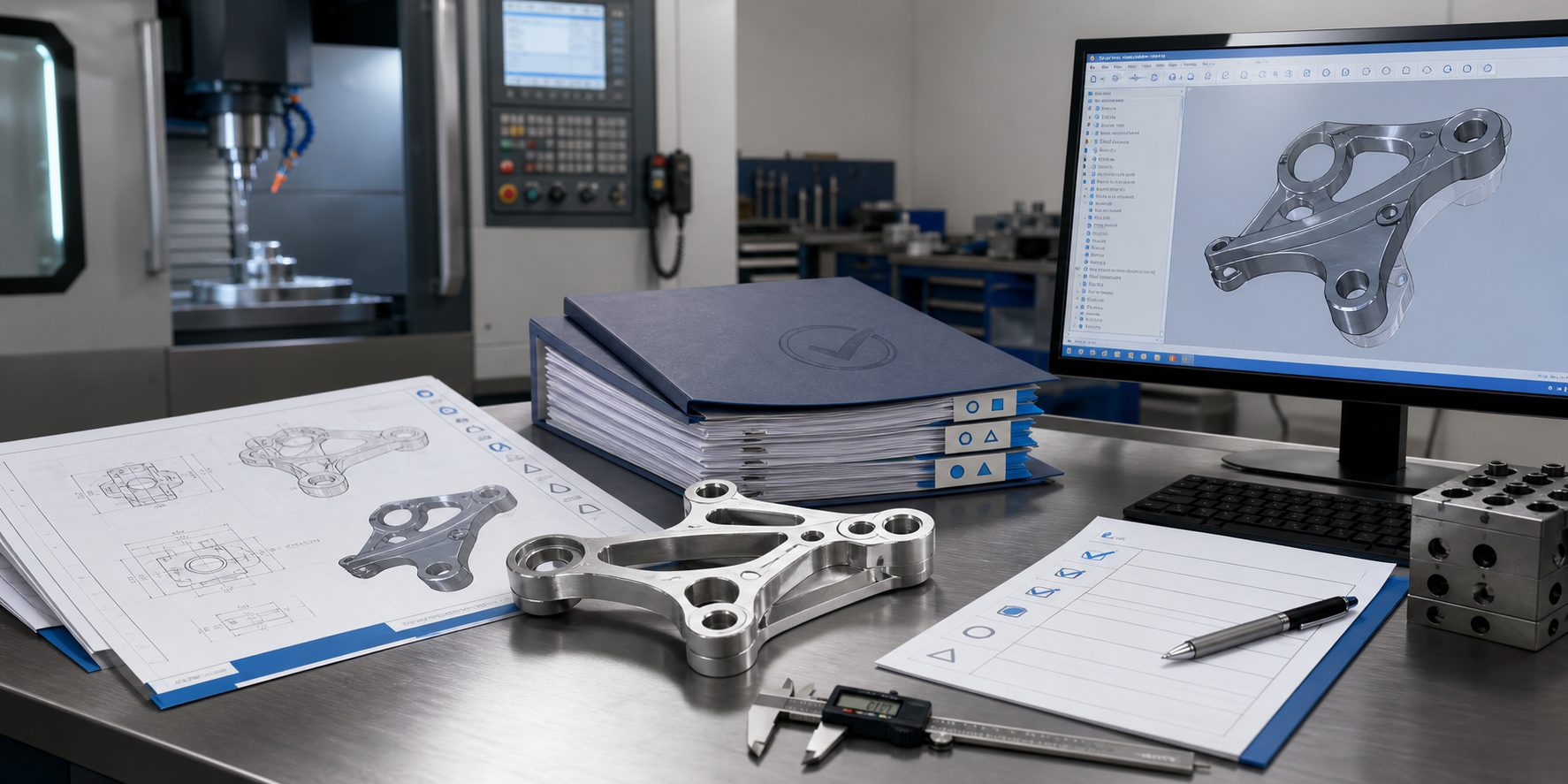
CNC production depends on accurate files. A part may be manufactured from a 3D model, 2D drawing, CAM program, fixture setup, inspection checklist, and surface finish instruction. If one of these files is outdated, the whole production batch may be affected.
Good revision control helps prevent:
- Producing parts from old drawings
- Mixing prototype and production versions
- Using outdated 3D models
- Applying the wrong surface finish
- Inspecting against the wrong tolerance
- Shipping parts with mismatched labels
- Repeating old mistakes in future batches
Revision control is not only an engineering task. It also affects purchasing, production, quality inspection, packaging, and supplier communication.
1. Use a Clear Revision Number System
Every CNC part should have a clear part number and revision level.
A simple structure can be:
Part Number: MC-BR-102
Revision: Rev A
File: MC-BR-102_RevA_Drawing.pdf
When the part changes, the revision should also change:
MC-BR-102_RevB_Drawing.pdf
MC-BR-102_RevB_STEP.stp
Avoid sending files with vague names such as:
final drawing.pdf
new version.stp
latest update.dxf
These names create confusion. The supplier may not know which file is approved for production.
A controlled revision system should clearly show:
- Part number
- Part name
- Revision level
- Release date
- Change description
- Approved file status
2. Keep 3D Models and 2D Drawings Matched
In CNC manufacturing, the 3D model and 2D drawing must match.
The 3D model defines geometry. The 2D drawing usually defines tolerances, material, surface finish, threads, inspection requirements, and revision notes.
If the 3D model is Rev B but the drawing is still Rev A, the supplier may not know which version should control production.
Before release, confirm that:
- STEP file and PDF drawing have the same revision
- Critical dimensions match the latest design
- Material and finish notes are updated
- Thread and hole details are correct
- Old files are removed or clearly marked obsolete
This step is especially important after prototype testing, when several small changes may happen quickly.
3. Record What Changed and Why
A revision number alone is not enough. The supplier should understand what changed.
A revision record should explain the change clearly, such as:
| Revision | Change Description | Reason |
|---|---|---|
| Rev A | Initial release | Prototype production |
| Rev B | Increased mounting hole diameter | Easier assembly |
| Rev C | Changed finish to black anodizing | Final product appearance |
The change description does not need to be long. It only needs to be specific enough for engineering and quality teams to identify the affected areas.
Useful revision notes include:
- Changed dimension
- Changed tolerance
- Changed material
- Changed surface finish
- Added or removed hole
- Changed thread depth
- Updated packaging requirement
- Updated inspection requirement
This helps the CNC supplier focus on the right areas during manufacturing review.
4. Require Written Confirmation Before Production
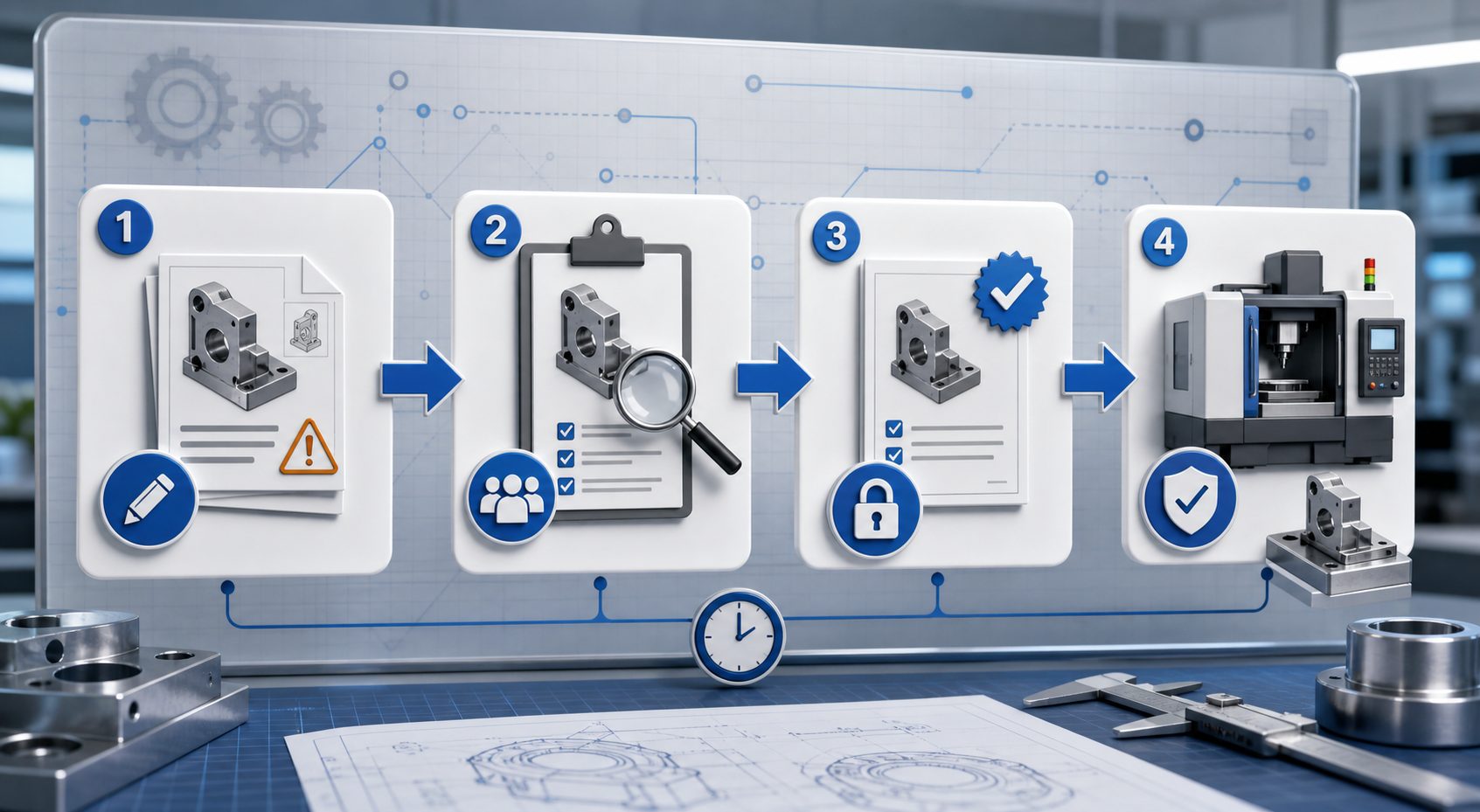
A revised file should not automatically enter production without confirmation.
Before machining starts, both buyer and supplier should confirm:
- Latest revision number
- Latest 3D model
- Latest 2D drawing
- Quantity
- Material
- Surface finish
- Inspection requirement
- Delivery schedule
For repeat production, this confirmation is even more important. A supplier may still have old CAM programs, fixtures, or inspection records from a previous batch. If the revision has changed, those production documents must be reviewed before reuse.
5. Separate Prototype Revisions from Production Revisions
Prototype revisions often change quickly. Production revisions should be more controlled.
During prototype development, it is normal to test different hole sizes, bracket shapes, surface finishes, or mounting positions. However, once the design is approved for production, revision changes should be handled more carefully.
A practical method is:
- Prototype files: clearly marked as prototype or sample version
- Production files: clearly marked as approved production release
- Obsolete files: removed from active production folders
- Change request: reviewed before production update
This prevents a prototype experiment from being accidentally used for batch production.
6. Control Obsolete Drawings and Files
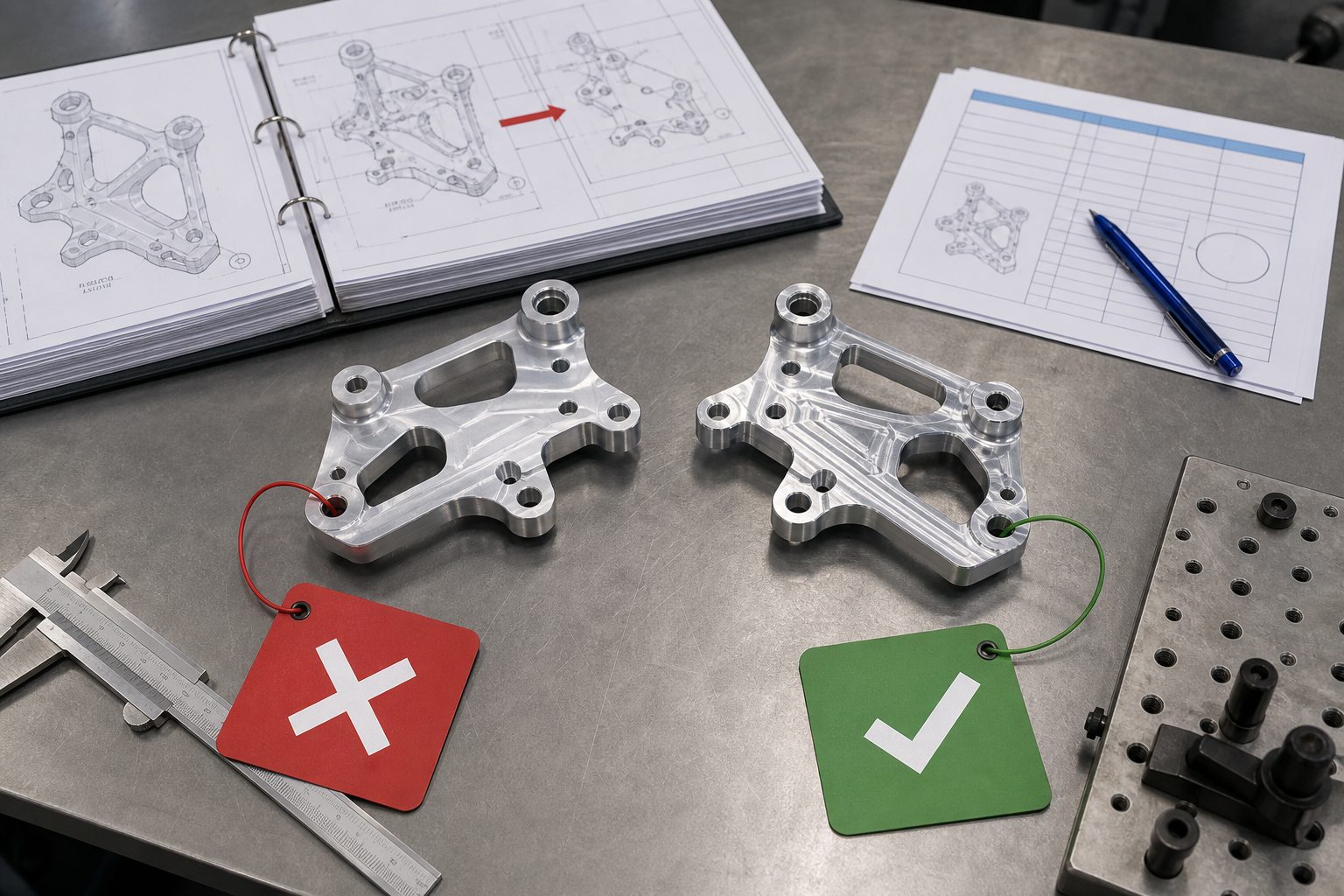
One major risk in CNC manufacturing is old files staying in circulation.
Obsolete files should be clearly controlled. They should not be mixed with active production files.
Recommended practices include:
- Move old files to an archive folder
- Mark obsolete drawings clearly
- Do not send old versions in new RFQ packages
- Use only approved files for machining
- Confirm the revision before repeat orders
- Update CAM programs after design changes
If a supplier receives both Rev A and Rev B files without instruction, production may be delayed while the team asks for clarification.
7. Update CAM Programs, Fixtures, and Inspection Plans
A product revision may affect more than the drawing.
In CNC manufacturing, a design change may require updates to:
- CNC program
- Toolpath strategy
- Fixture design
- Cutting tools
- Setup sheet
- Inspection checklist
- Packaging method
- Surface finish process
For example, if a mounting hole moves by 1 mm, the change may affect the CNC program, fixture location, and inspection points.
If only the drawing is updated but the production setup is not reviewed, the supplier may still produce the old version.
8. Link Revision Control to Inspection
Inspection should always be based on the approved revision.
The quality team should confirm:
- Which revision is being inspected
- Which dimensions changed
- Which features are critical
- Whether first article inspection is required
- Whether previous inspection templates need updating
For important changes, the buyer may request:
- First article inspection report
- Updated dimensional report
- Photos of changed features
- Sample approval before full batch production
- Surface finish confirmation
This is useful for custom motorcycle metal parts where fitment, hole position, finish, and visible surfaces matter.
9. Maintain Traceability for Each Batch
Each production batch should be linked to a specific revision.
A basic traceability record may include:
- Part number
- Revision level
- Production date
- Quantity
- Material batch
- Surface finish batch
- Inspection result
- Packaging label
- Shipment date
This helps both buyer and supplier review past orders. If a customer later reports an issue, the team can identify which revision was shipped and whether the issue affects one batch or multiple batches.
10. Use a Revision Checklist Before Production Release
Before releasing a revised CNC part for production, use a checklist.
Recommended checklist:
- Latest 3D model received
- Latest 2D drawing received
- Revision number confirmed
- Change description reviewed
- Material confirmed
- Surface finish confirmed
- Critical tolerances confirmed
- Thread and hole details checked
- CAM program updated
- Fixture impact reviewed
- Inspection plan updated
- Old files archived
- Supplier confirmation received
- Sample approval required or not required
This checklist reduces the chance of manufacturing from the wrong version.
Example: Revision Control for a Motorcycle Mounting Bracket
A buyer develops a CNC machined aluminum motorcycle mounting bracket.
Prototype Rev A fits the frame but leaves limited clearance near the cable routing area. The buyer changes the model and releases Rev B with a slightly modified profile. Later, after appearance review, the finish changes from raw machined aluminum to black anodizing.
Without revision control, the supplier may produce:
- Rev A shape with Rev B drawing
- Rev B shape with old finish
- Rev B parts inspected against Rev A dimensions
- Mixed parts from prototype and production batches
With proper revision control, the production package should clearly state:
Part: Motorcycle Mounting Bracket
Production Revision: Rev C
Material: Aluminum 6061-T6
Finish: Black anodizing
Quantity: 500 pcs
Inspection: Check updated clearance area and mounting holes
Old Revisions: Rev A and Rev B obsolete for production
This gives the CNC supplier a clear production target.
Best Practices for CNC Product Revision Control
To control product revisions effectively, buyers and suppliers should follow these principles:
- Use consistent part numbers and revision levels
- Do not rely on file names like “latest” or “final”
- Keep 3D models and 2D drawings synchronized
- Record every important change
- Confirm the approved revision before machining
- Archive obsolete files
- Update CAM programs and inspection plans
- Link each batch to a revision level
- Request sample approval for major changes
- Keep communication written and traceable
FAQ
Why is revision control important in CNC manufacturing?
Revision control ensures that the supplier machines, inspects, finishes, and ships parts based on the correct version. It helps prevent wrong parts, production delays, and quality disputes.
Is a new revision required for every small change?
Not always. Minor non-functional notes may not require a major revision, depending on the buyer’s control system. However, any change affecting geometry, tolerance, material, surface finish, fitment, or inspection should be clearly recorded.
Should 3D models and 2D drawings have the same revision?
Yes. The STEP file and PDF drawing should match the same approved revision. If they do not match, the supplier should ask for clarification before quoting or production.
How can obsolete CNC drawings be controlled?
Obsolete drawings should be removed from active production folders, clearly marked as outdated, and stored only in an archive. Suppliers should confirm the approved revision before each production batch.
What should be included in a revision release package?
A revision release package should include the latest 3D model, 2D drawing, revision record, material requirement, finish requirement, quantity, inspection notes, packaging requirements, and written production approval.
Conclusion
Product revision control is essential for reliable CNC manufacturing. A revised drawing or model should not be treated as a simple file replacement. It must be reviewed, approved, released, and linked to production, inspection, and shipment records.
For custom CNC machined motorcycle parts, revision control helps ensure that brackets, clamps, risers, spacers, guards, covers, and adapters are made to the correct version. Clear revision records reduce misunderstandings, improve quality, and make repeat production more reliable.
Before starting CNC production, confirm one simple point: everyone must be working from the same approved revision.